A video interview is still an interview. The questions are the same, but the setup, the camera and the connection can quietly cost you points before you have said anything useful. The good news is that almost all of it is preparation, and the checklist is short. These video interview tips cover what to do the day before, the hour before, and in the minutes when the connection drops.
- Test the app, camera and microphone the day before, not five minutes before.
- Put the camera at eye level and the light in front of you, not behind.
- Keep notes where you can see them, but talk to the lens for your key points.
- Have a backup plan for a dropped connection and know what you will say.
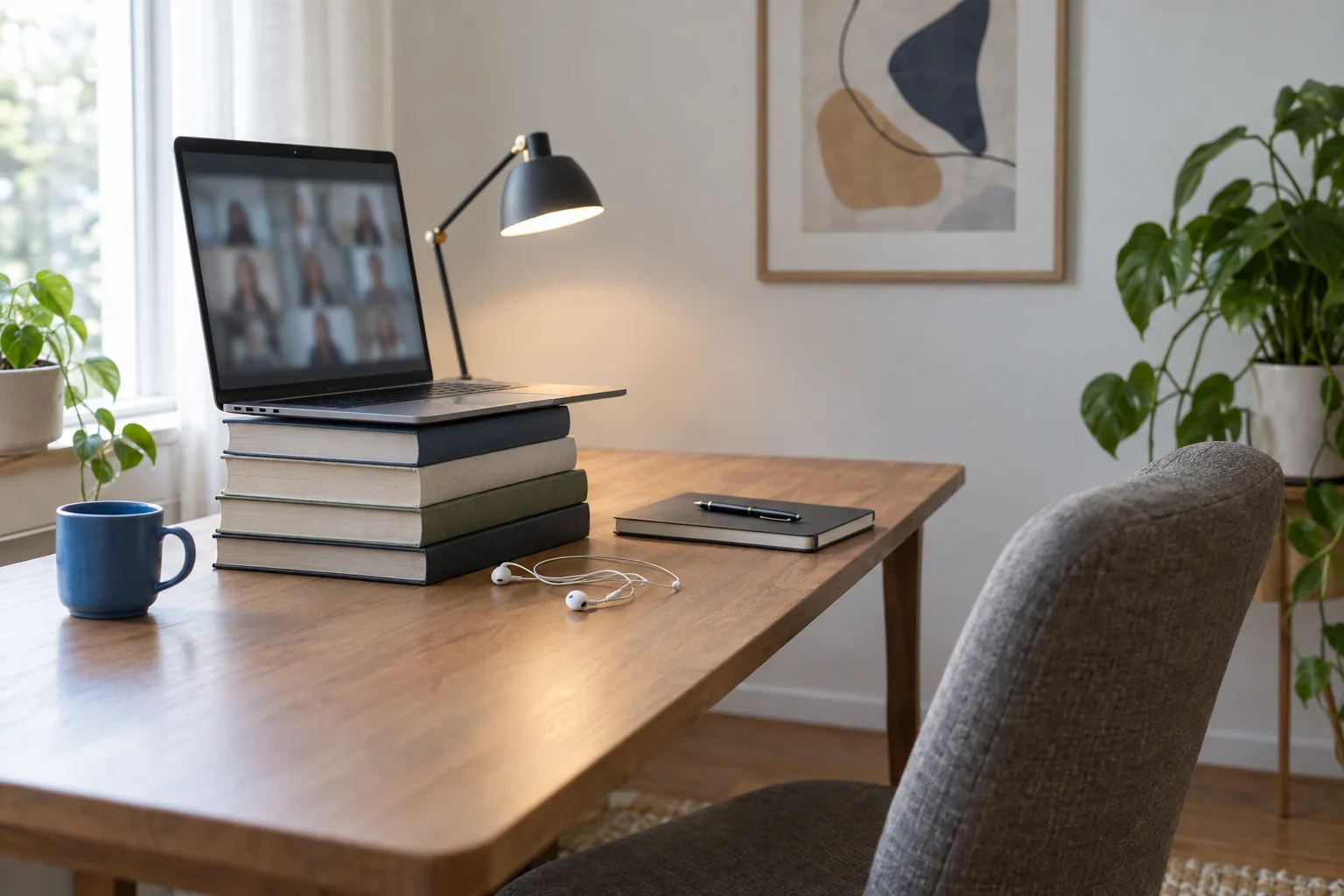
Video interview tips for the day before
The most common failure on video is technical, and nearly all of it can be prevented. Jobrizzer's video interview guide puts it simply: install and update the app, open the link ahead of time, and test the camera, mic and speakers.
Do this the day before, so you still have time to fix something:
- Open the link you were given. If the invite is for Zoom, Teams or Google Meet, make sure the app is installed and updated, and that you can sign in or join as a guest.
- Run a test call. Zoom offers a test meeting at zoom.us/test (this NSF how-to shows the steps) for checking your microphone, speakers and camera before a live meeting. In Microsoft Teams you can open Devices and use the "Make a test call" option, as this Tarleton State University guide walks through.
- Check who, when and where. Confirm the date, time and time zone in the invite. Indeed's guide to online interviews lists this as the first thing to check if the interviewer does not show up, so check it before it matters.
- Charge everything and find a quiet room. Plug the laptop in, charge your phone, and tell the people you live with when the call is.
- Save the recruiter's phone number and email somewhere you can reach them without the laptop.
Indeed also advises having backup equipment and resources ready. In practice that means a second device with the meeting link already open, or at least a phone that can join the call.
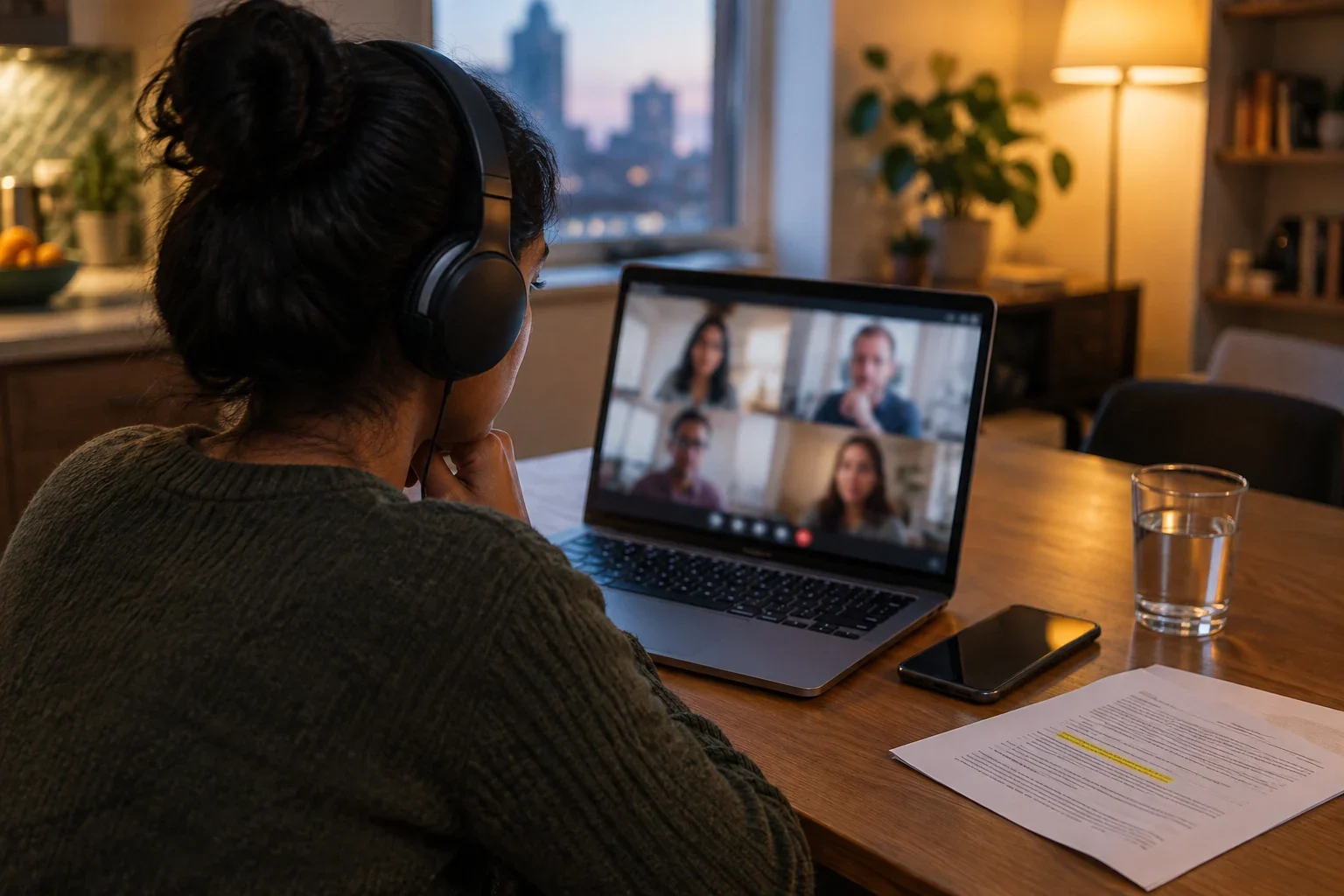
Camera, light and background
You do not need studio gear. You need three things to be roughly right.
Camera height
Raise the laptop on books so the lens sits at eye level. Jobrizzer lists a camera below your chin, the "up the nose" angle, as the thing to avoid. If you use an external webcam, put it on top of the monitor, not beside it.
Light
Face a window, or put a lamp behind the screen pointing at you. Jobrizzer warns that a bright window behind you turns you into a silhouette. Close the blinds if the sun is behind you, or turn your chair around.
Background
Choose a plain wall or a tidy shelf. Anything that moves, glows or invites a question is a distraction. If you use a virtual background, test it in your practice call, since some apps may cut off hair or hands.
A quick check from the same guide: turn your camera on about 20 minutes early and look at your own preview as if you were the interviewer. If you would not hire the person you see, adjust the lamp.
Notes, eye contact and pacing
Video gives you something an in-person interview does not: your notes can be on screen or on the wall in front of you. Use that, but carefully.
- Keep notes short. A few keywords for two or three stories, not scripts. Reading sentences aloud sounds flat and breaks eye contact.
- Look at the lens for the important lines. Jobrizzer suggests talking to the camera dot for your opening line and key points, not at the face on screen. For the rest of the conversation, a glance at the interviewer is natural.
- Move the video window up near the webcam. The smaller the gap between the lens and the face you are watching, the less your gaze drifts.
- Keep answers a touch tighter. Long monologues are harder to follow on video, and delay makes interruptions awkward. Aim for a clear answer, then pause.
The content still decides the interview. If you need a structure for the most common opener, see our guide to answering "tell me about yourself", and for behavioral questions, the STAR method.
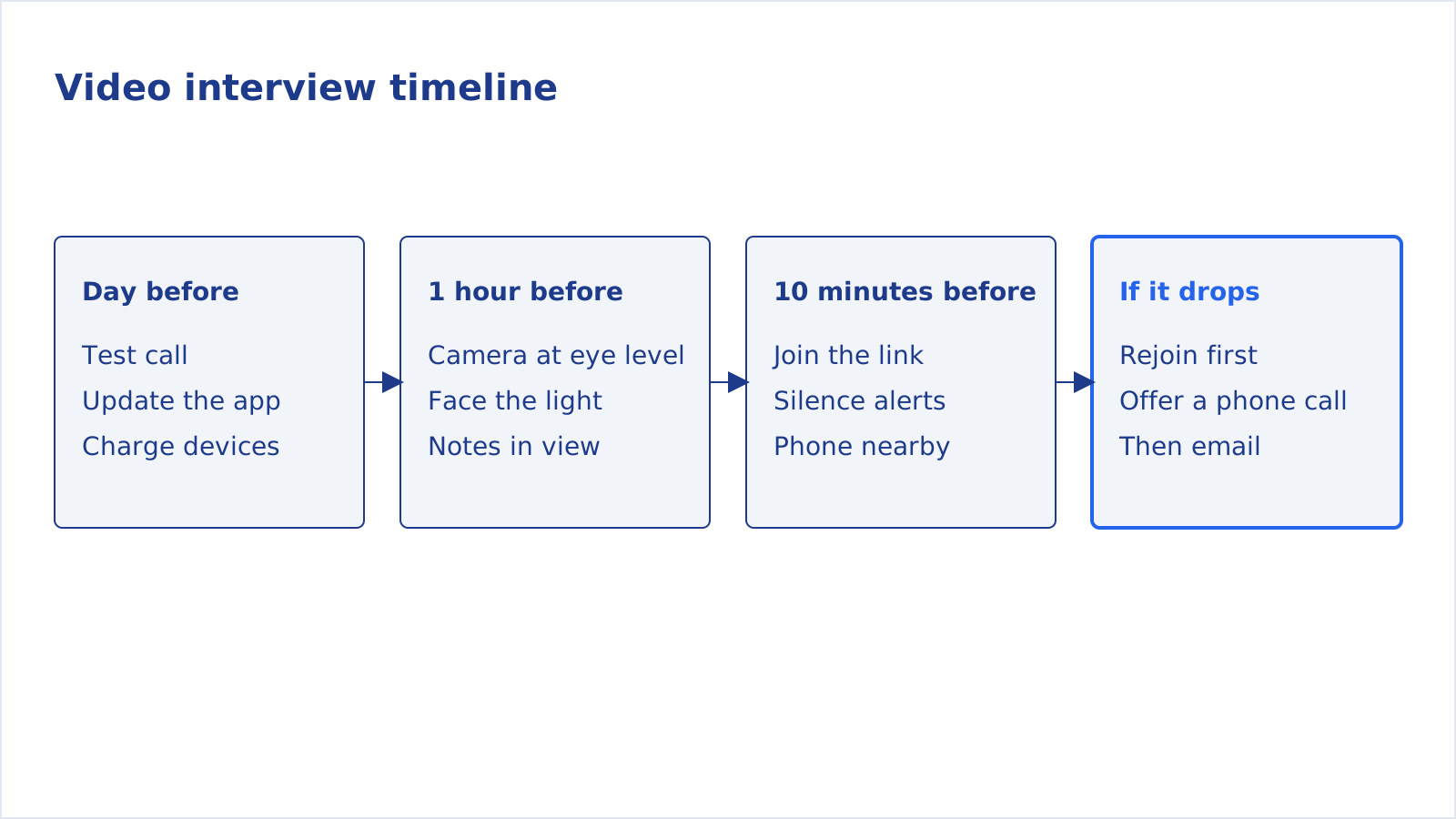
The hour before and the last ten minutes
Treat the final hour as a short checklist, not a time to cram.
- Close everything else. Quit chat apps and email, silence notifications on the laptop and the phone, and close tabs that might play sound.
- Join a few minutes early. Indeed notes that opening the platform a few minutes before shows professional courtesy and gives you time to fix problems.
- Dress as you would for the room. Indeed's advice is that professional attire can help you focus and feel confident, even from home.
- Keep water and the job posting within reach. Have your resume open too, so you can match your examples to what the posting asks for.
What to do when the connection drops
Dropped calls happen, and a calm, prepared reaction is part of the impression you make. Decide the plan before the call:
- Rejoin the same link first. Often the fix is a few seconds.
- If video keeps struggling, offer audio only or a phone call. Jobrizzer suggests asking, politely, whether it would be easier to continue by phone, which is why you saved the number.
- If you cannot get back, email the recruiter right away. A short note saying you lost your connection and are ready to continue as soon as they are is enough. Keep the tone calm and practical.
- If the interviewer does not show up, Indeed's advice is to check the date, time, time zone and meeting link first, then your own internet, audio and video, before assuming something went wrong.
One more backup that InterviewBoost suggests for unreliable internet: have a mobile hotspot ready. Test it before the day, too, since it only helps if it already works.
Practice the answers, not just the setup
A perfect camera angle will not help if your answers are vague. The best use of the evening before is saying your answers out loud, to the specific job.
That is what the mock interview in CareerUpAgent is for. It builds questions from the job posting you are applying to, you type or dictate an answer, and it gives you a score, feedback and a stronger version of each reply. It does not film you or simulate a video call, so use it for the content, and your own test call for the camera.
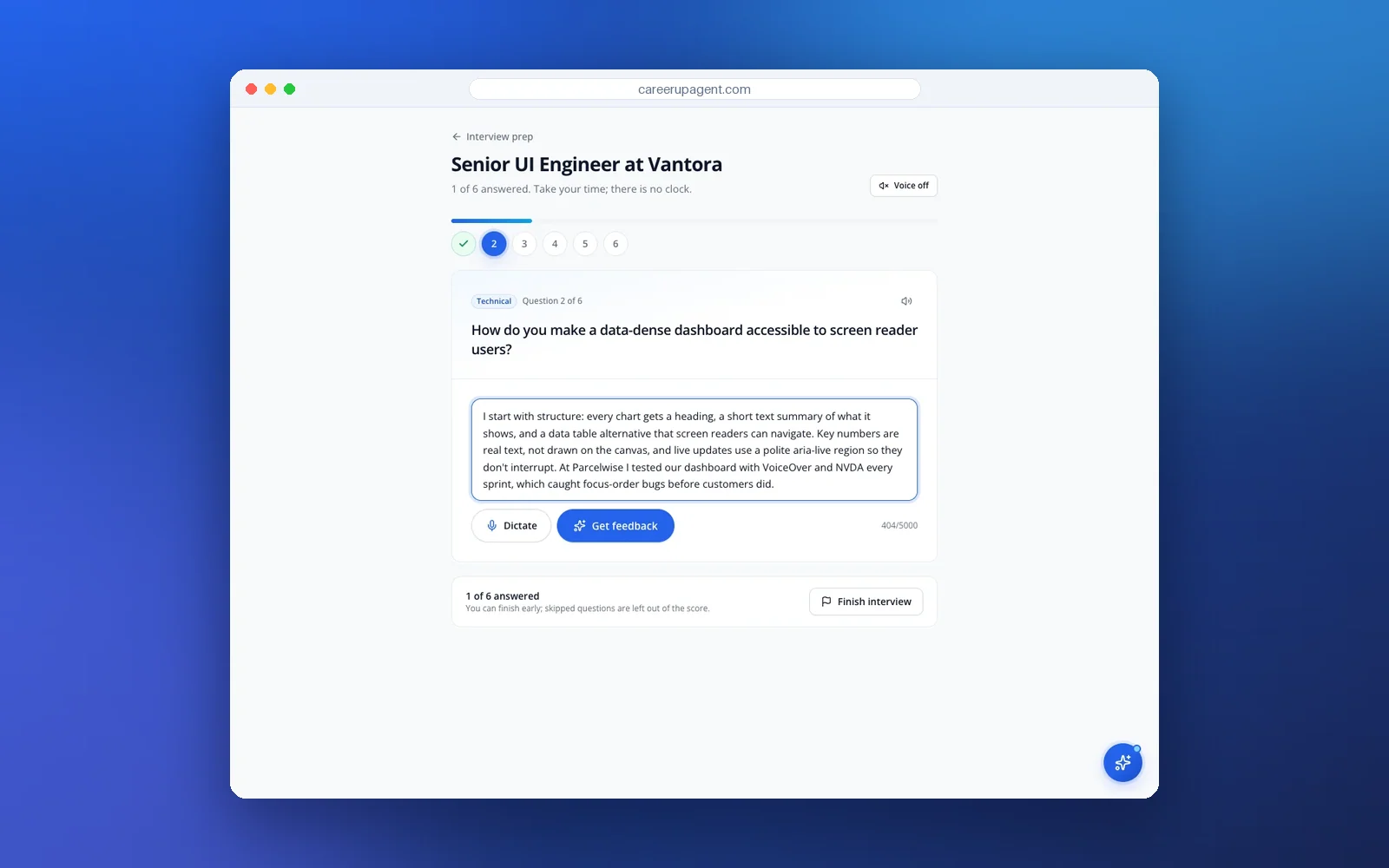
A simple routine for the night before: run one mock interview for the role, pick the two answers you liked least, rewrite them with the feedback, then say them out loud once in front of your laptop camera. If you can see yourself on screen while you answer, you will notice habits like looking down or rushing. You can try CareerUpAgent and tailor your resume to the same posting while you are preparing.
A one-page checklist to copy
- App installed and updated; test call done.
- Date, time and time zone confirmed; recruiter's phone and email saved.
- Camera at eye level; light in front; plain background.
- Notes with keywords only; resume and posting open.
- Notifications silenced; phone charged and nearby.
- Joined a few minutes early.
- Plan for a dropped call: rejoin, offer phone, then email.
After the call, send a short thank-you note. Our guide to following up after applying has templates for the same polite, brief tone.